Gorgeous task management for everyone.
Most task apps make you choose between beautiful and simple. InfiniTask doesn't. Every detail's been considered, every interaction smoothed — so all you have to do is open it and go.
Coming soon to the App Store-
One swipe,
sorted -
Somewhere for
everything -
Looks great,
day or night -
Nothing leaves
your phone
The whole point
Meticulously crafted to let you just get things done.
The whole core app is free. Properly free, not a demo. Pro is a few crafted extras for the people who fancy them, never a gate.
Capture
Add Tasks quickly, easily and infinitely.
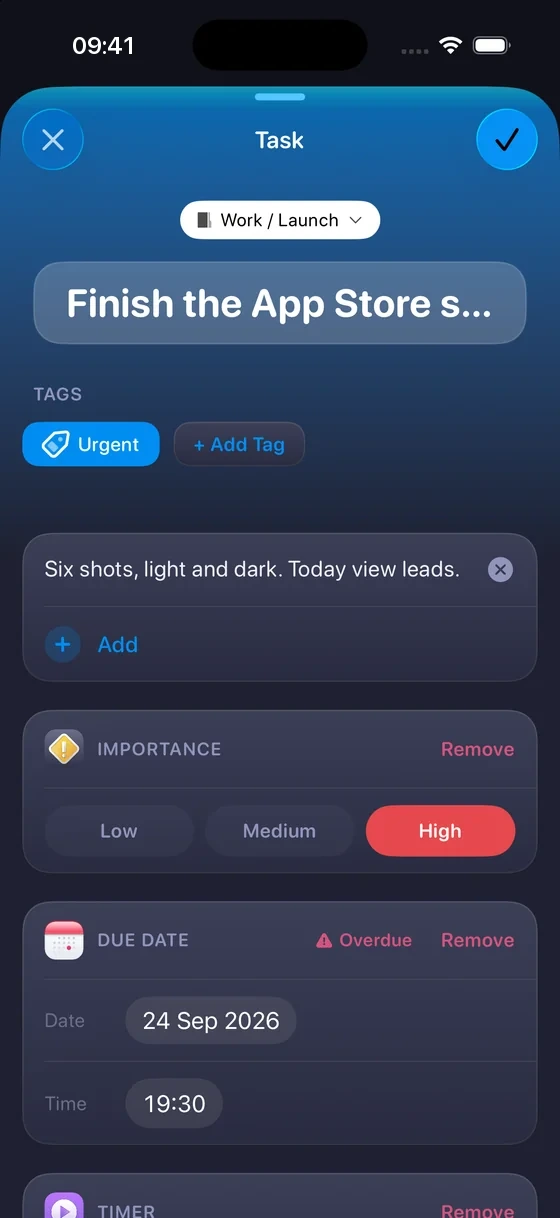
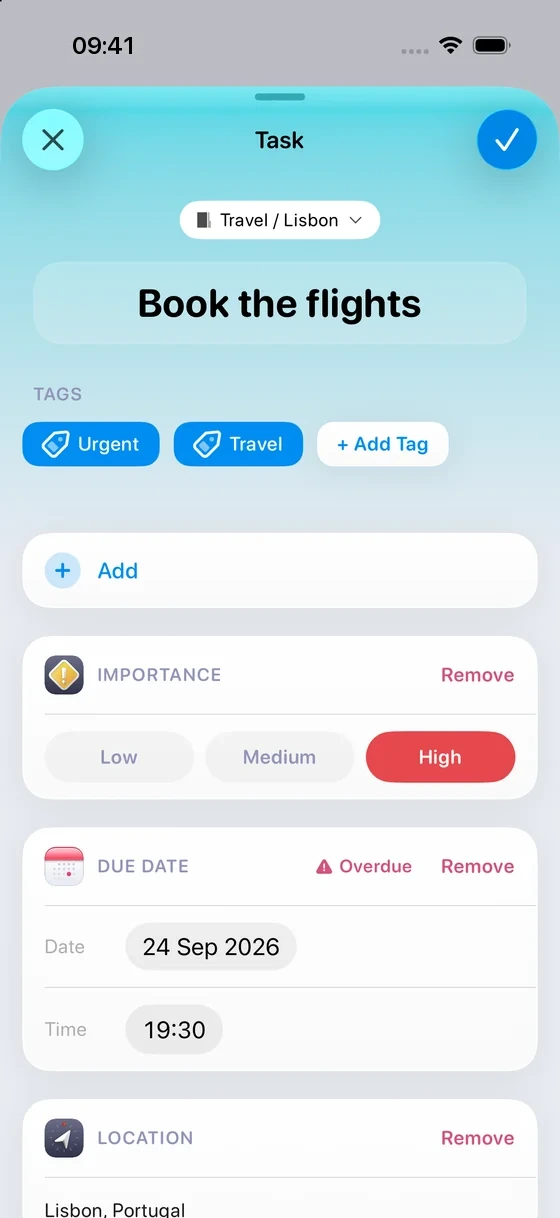
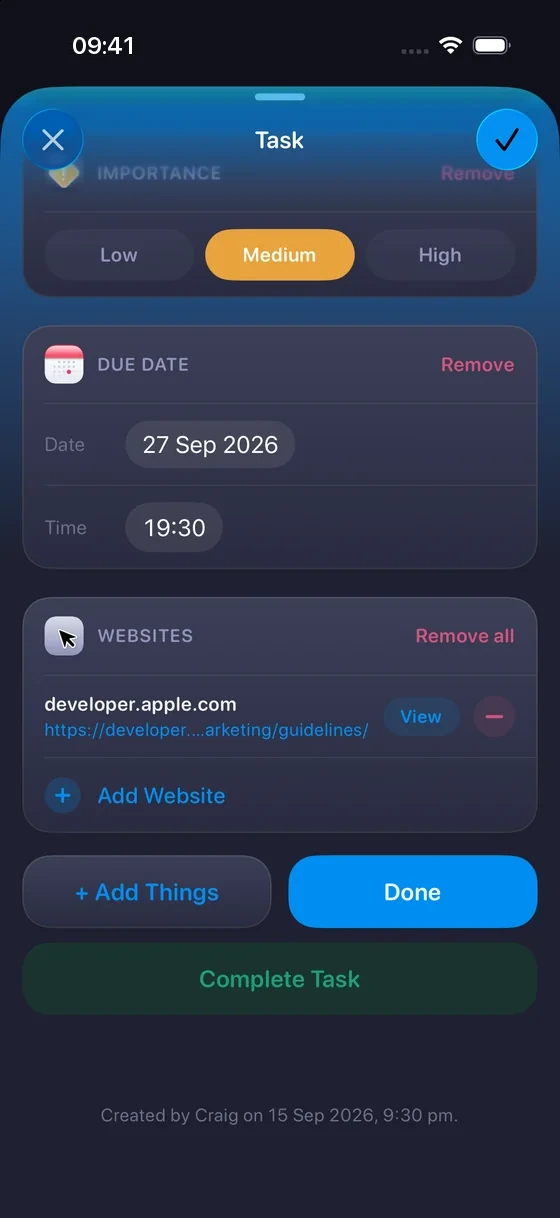
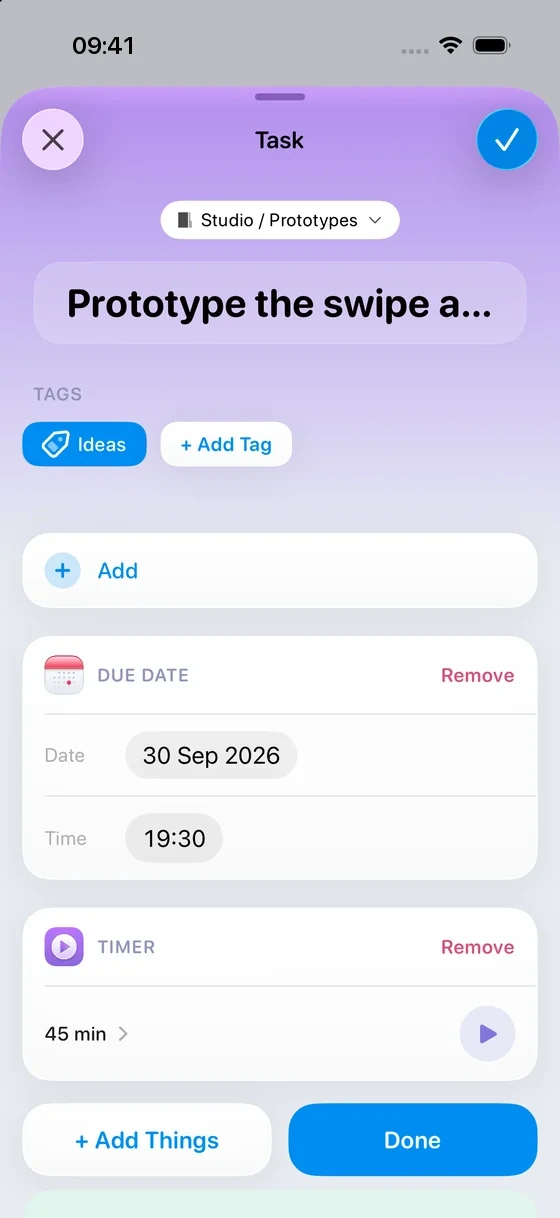
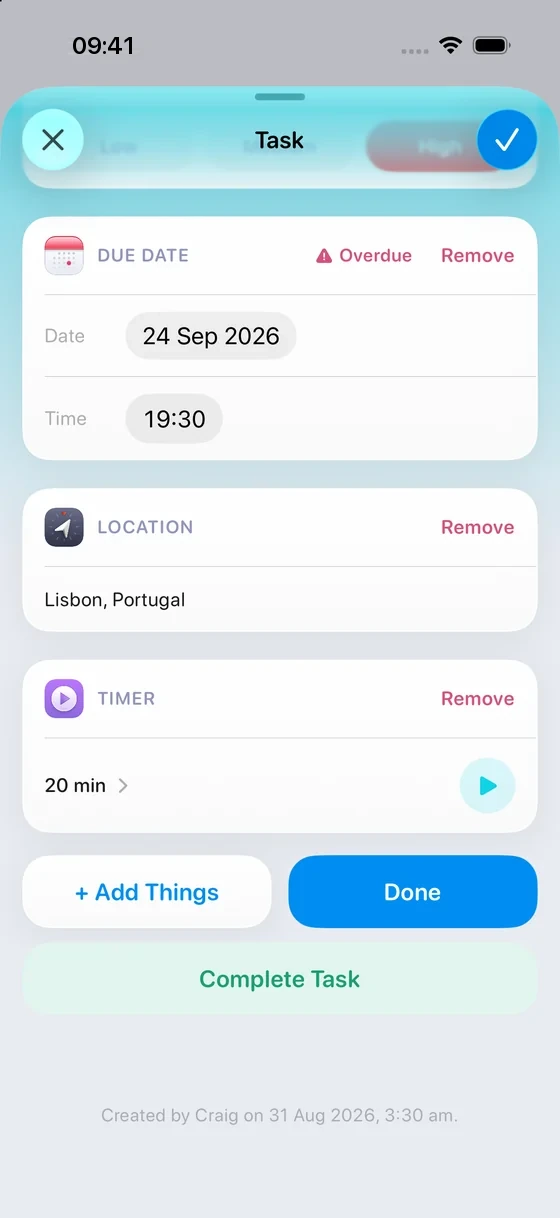
Jot a quick Task, or open it up and add the lot. As simple or as detailed as you want.
 Learn about PRO features
Add colour to your Projects and Notebooks
Learn about PRO features
Add colour to your Projects and Notebooks

Add Things
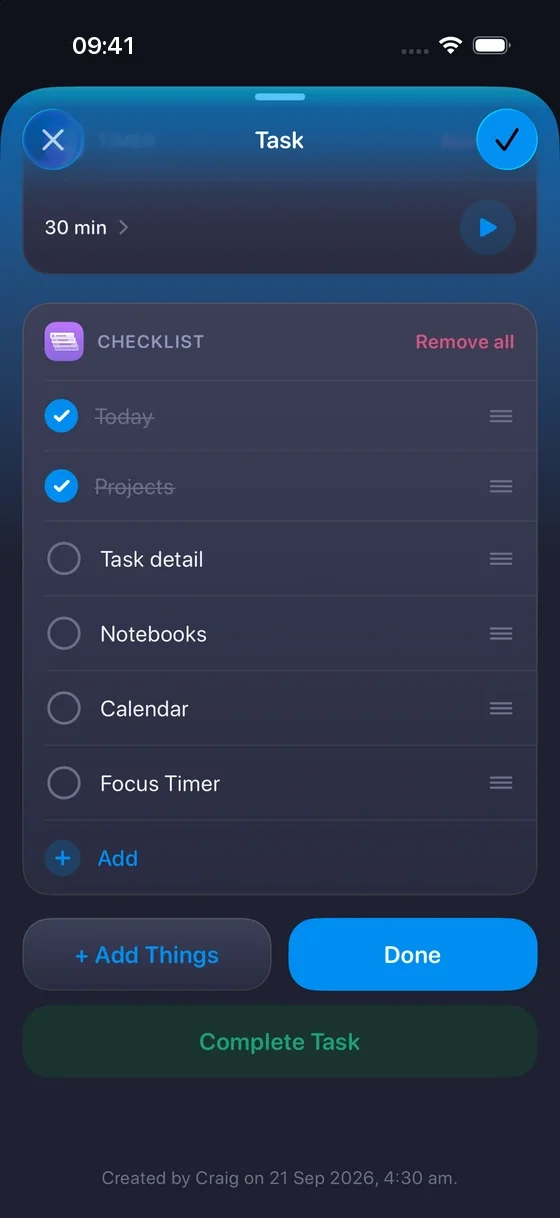
Today
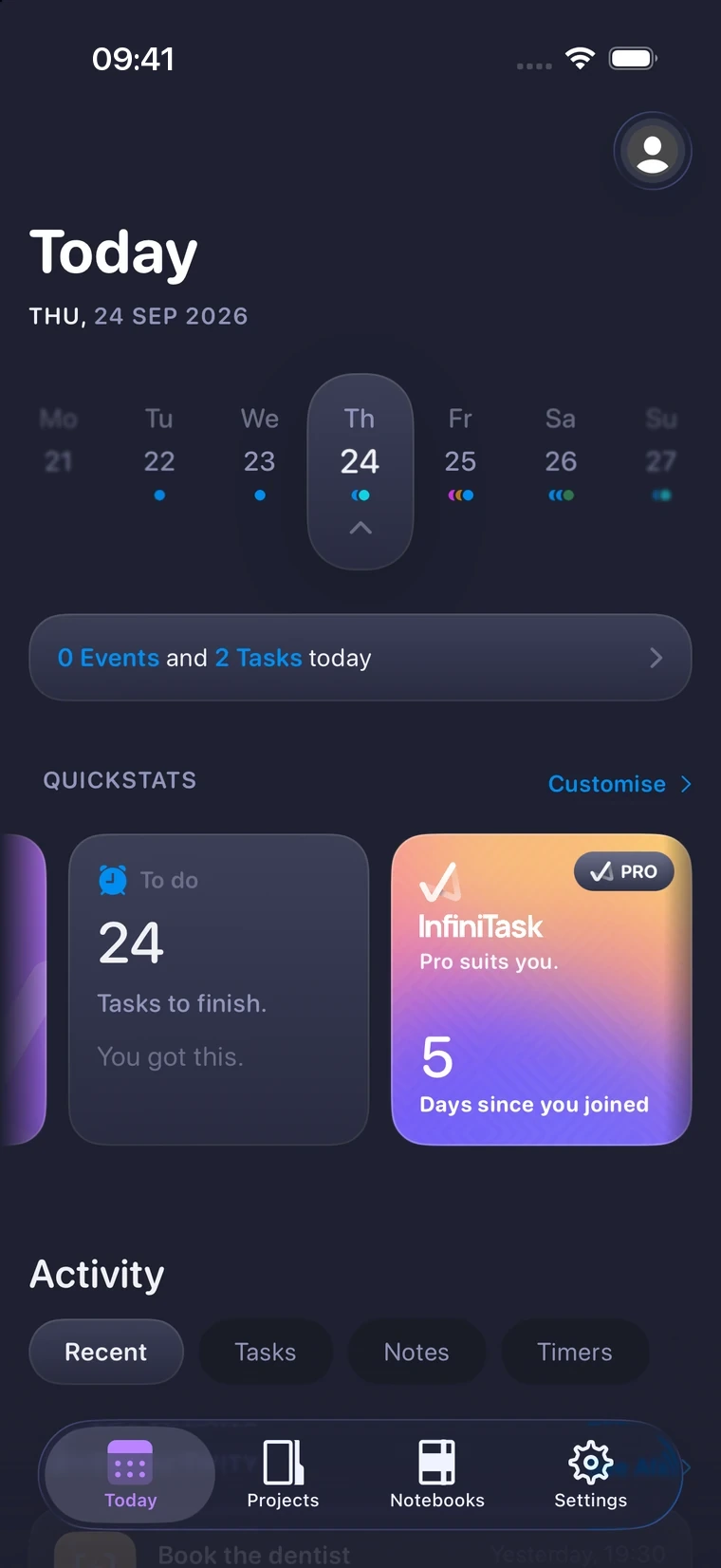
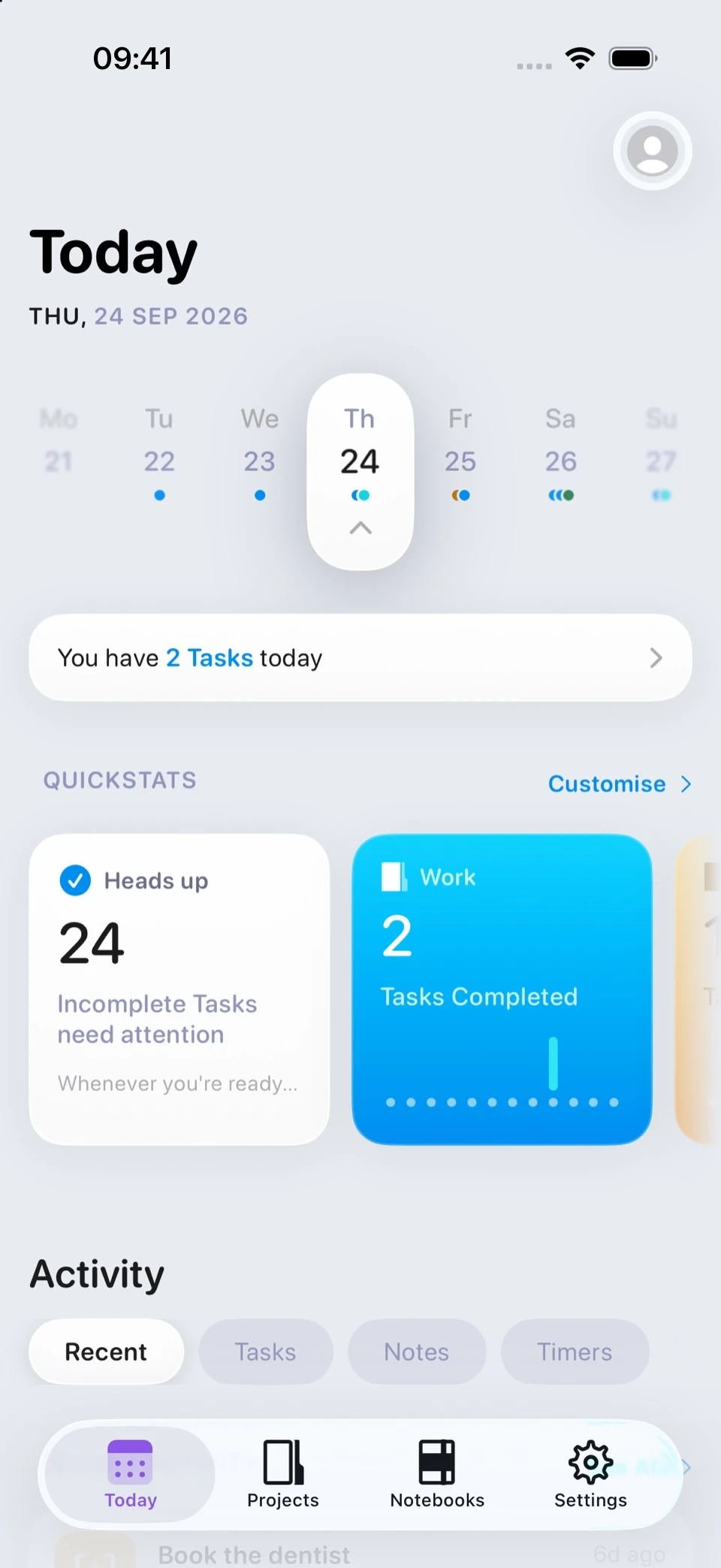
Your day starts here.
Where your Tasks stand, what you've been working on, and the week either side of you. All of it easy to take in, so you know what to do next.
Projects
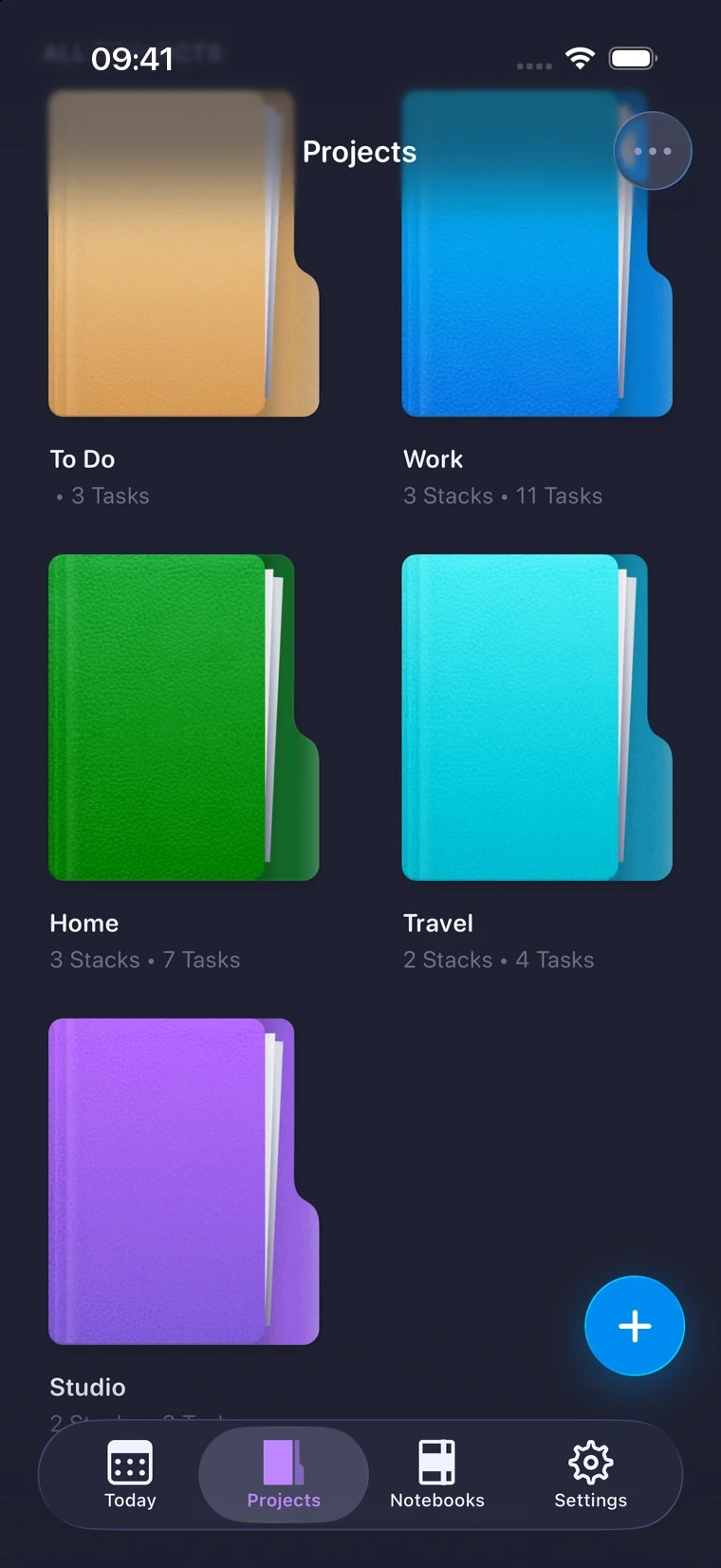
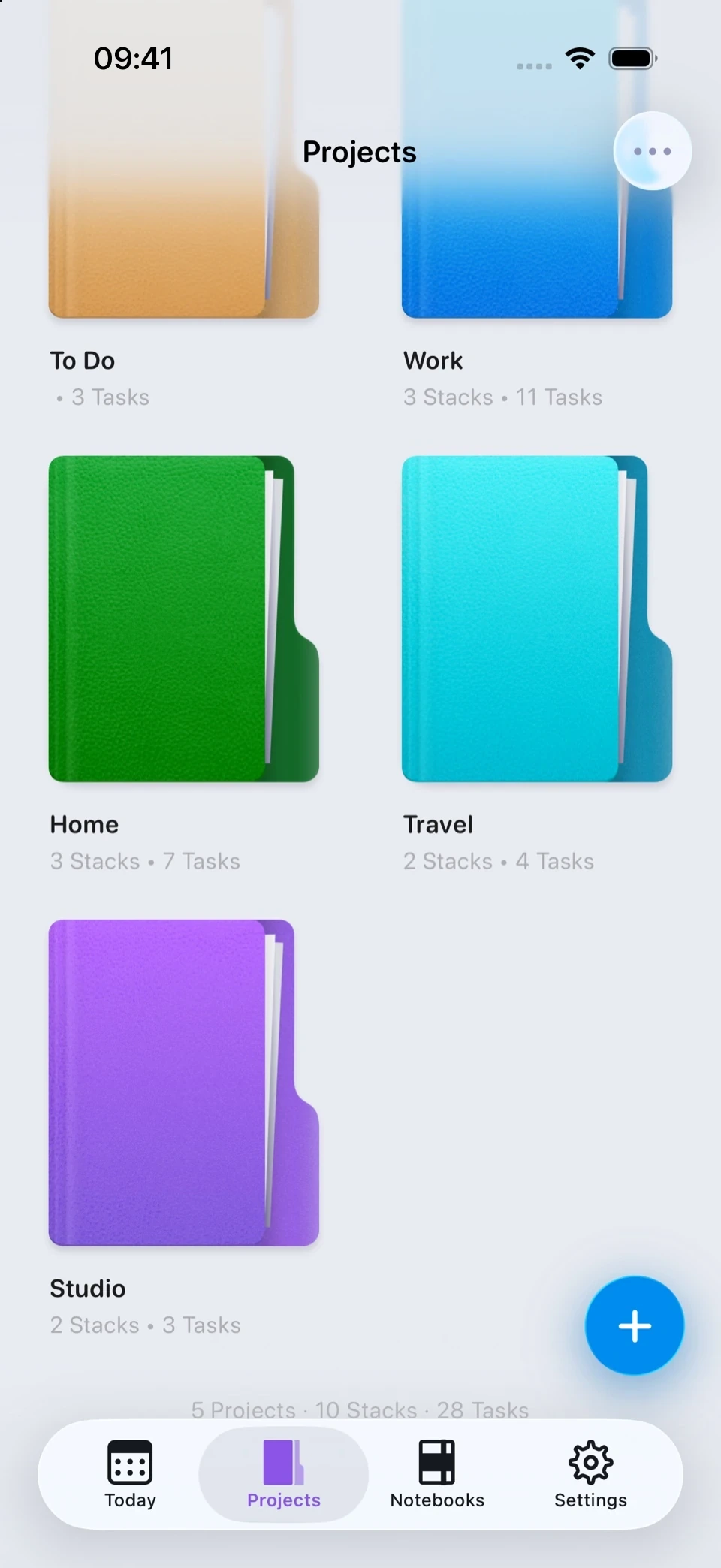
Everything you’re working on.
Sort your work into Projects, break them into Stacks, and mark each with any emoji you like. 🎯 🛒 🌱
And when a Task doesn’t belong anywhere yet, To Do is where it lands. No filing required.
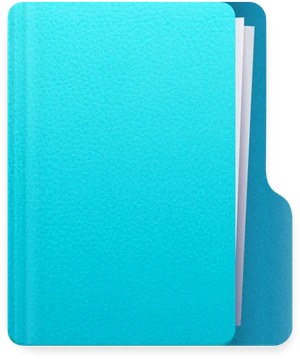
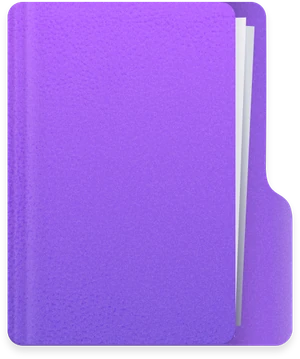
Colour customisation and Backdrop only available with a PRO purchase. Learn more.
Tasks & Stacks
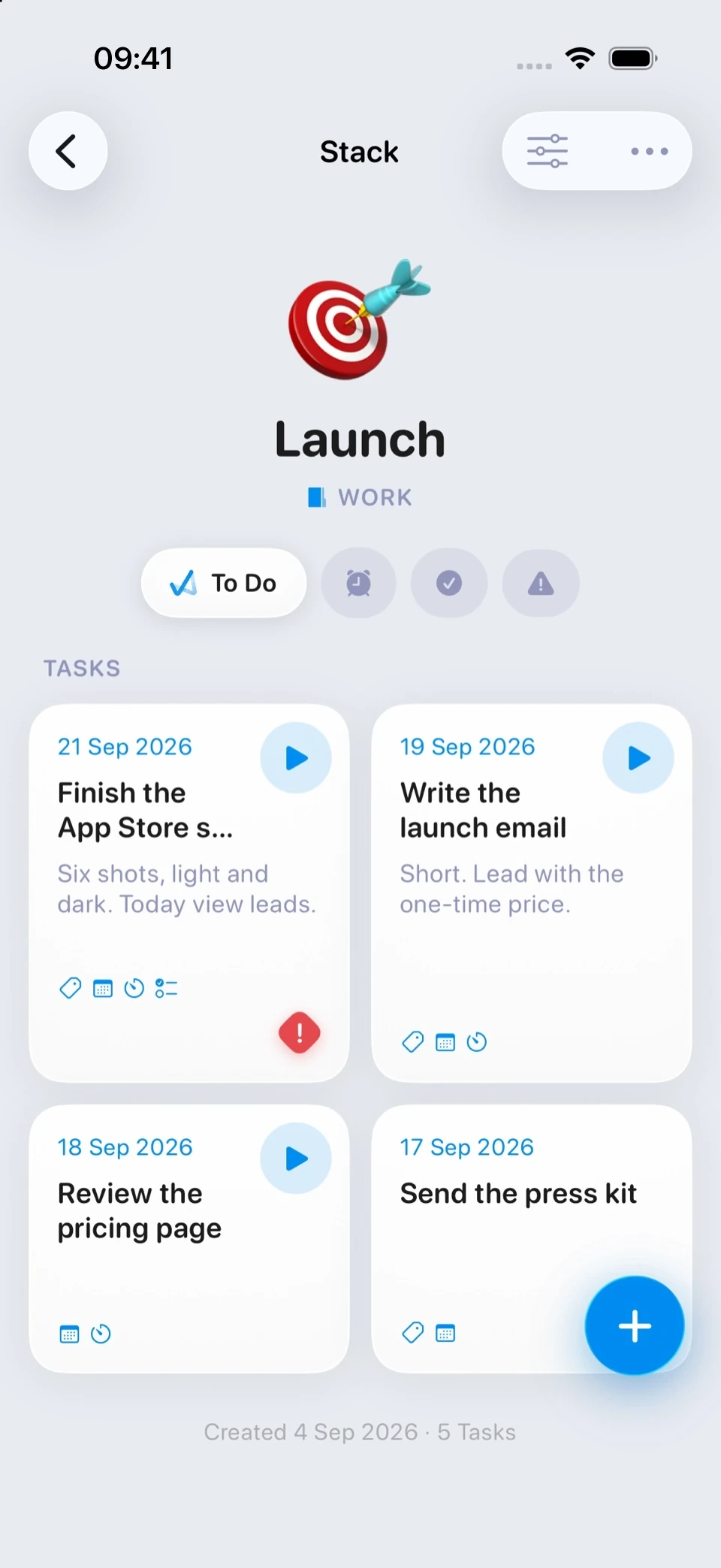
Get ahead of the day.
See what's done, what's due and what's slipping, without opening a single menu. An Important tab appears on its own when something genuinely needs you, and gets out of the way when it doesn't.
Notes
Note it down.
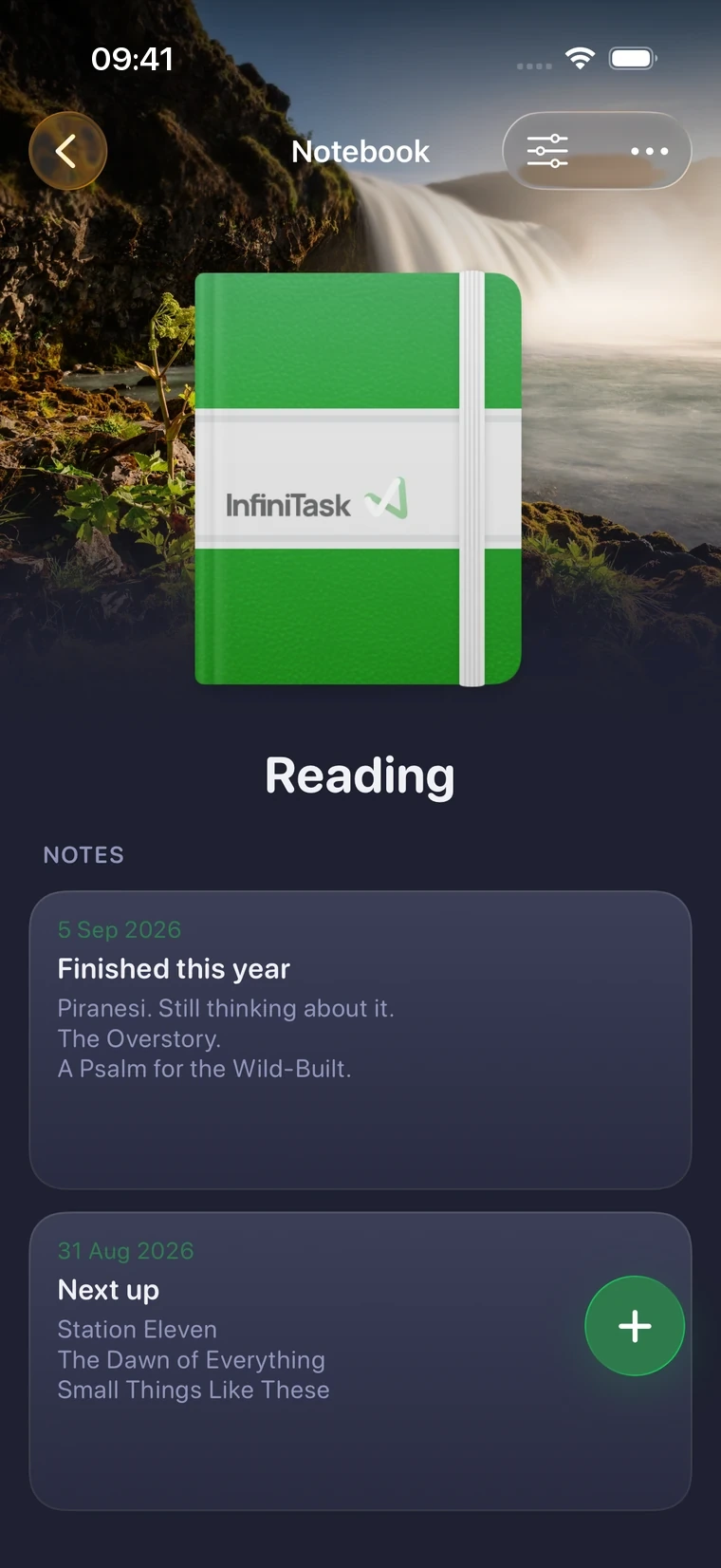
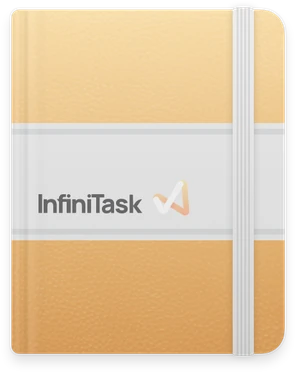
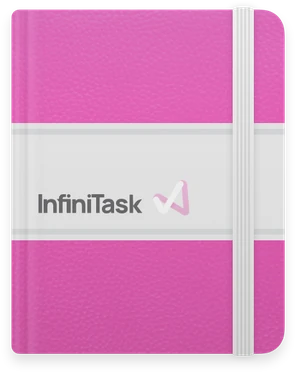
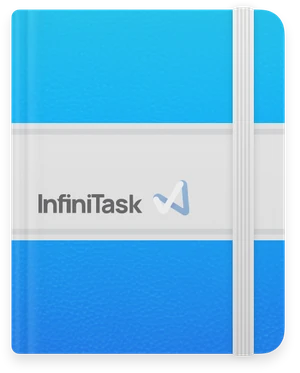
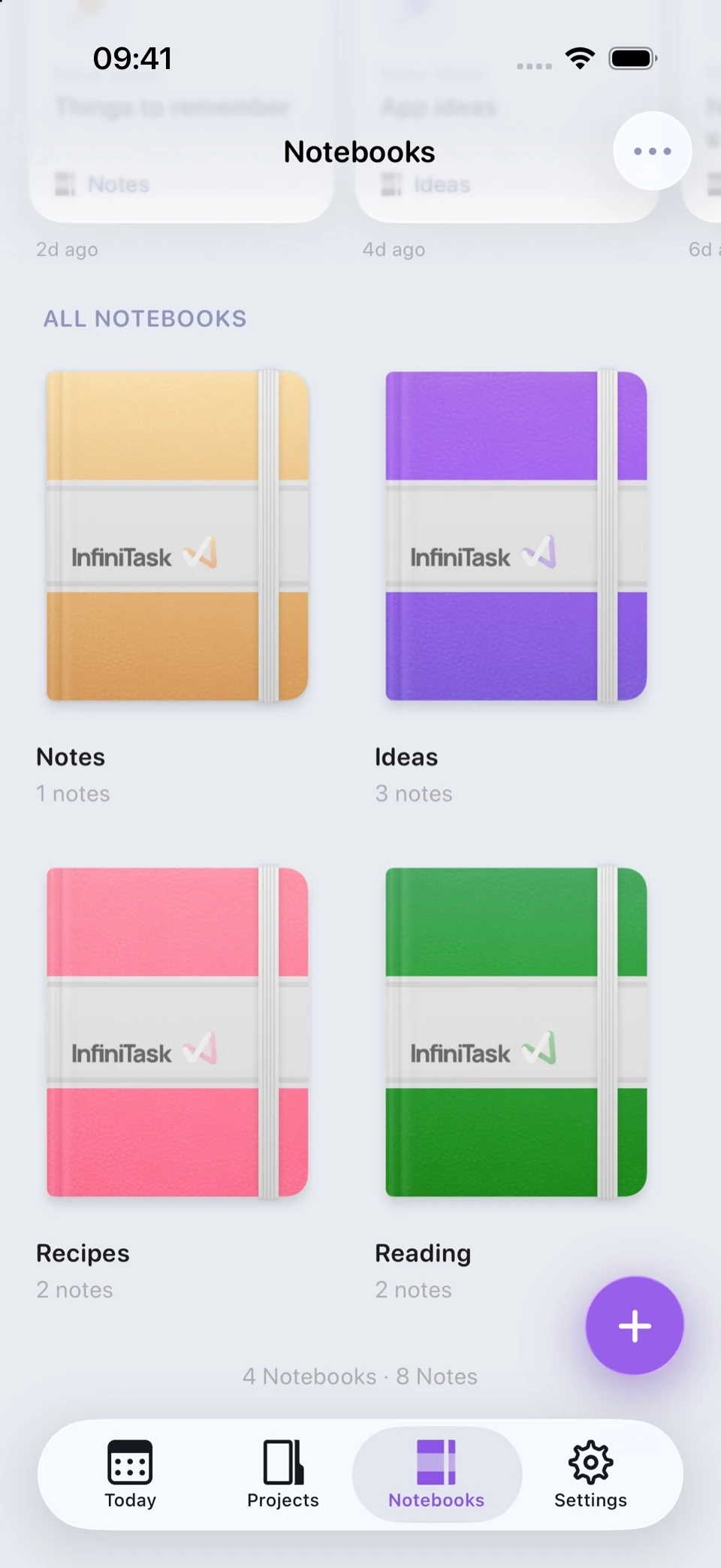
When a Task won't cut it, write it down. Rich Notes with images, checklists and files, in Notebooks that look as good as they read.
Focus
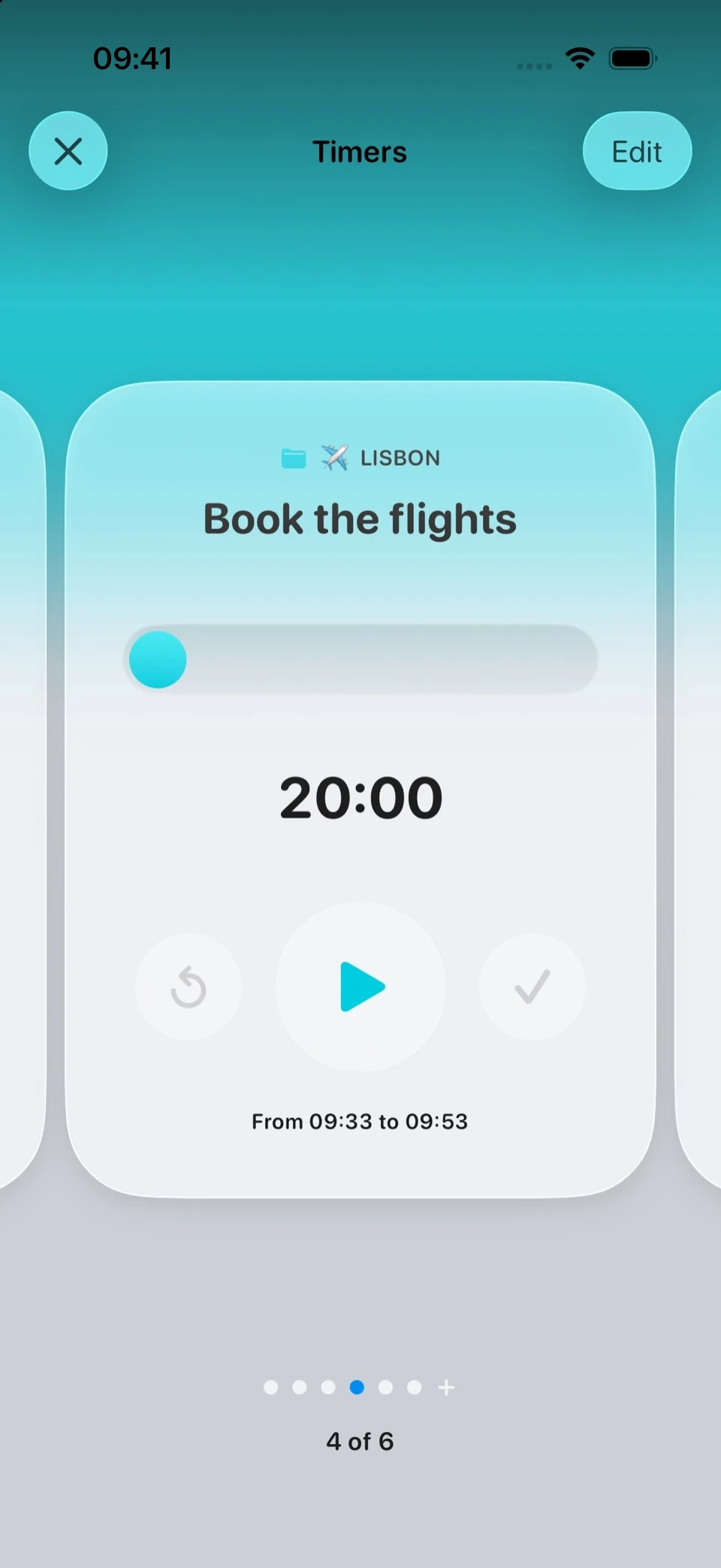
One Task at a time, or all of them at once.
Tap the play button on any timed Task and it opens full screen, in your Project's own colour. Swipe between everything you've got running. Several timers, all ticking at once, no juggling.
Know where things actually stand.
QuickStats reflects how you're really going. No scores, no streaks, nothing to chase. An insight shows up only when your history genuinely supports it, and says so plainly when it doesn't.
Light, dark and black
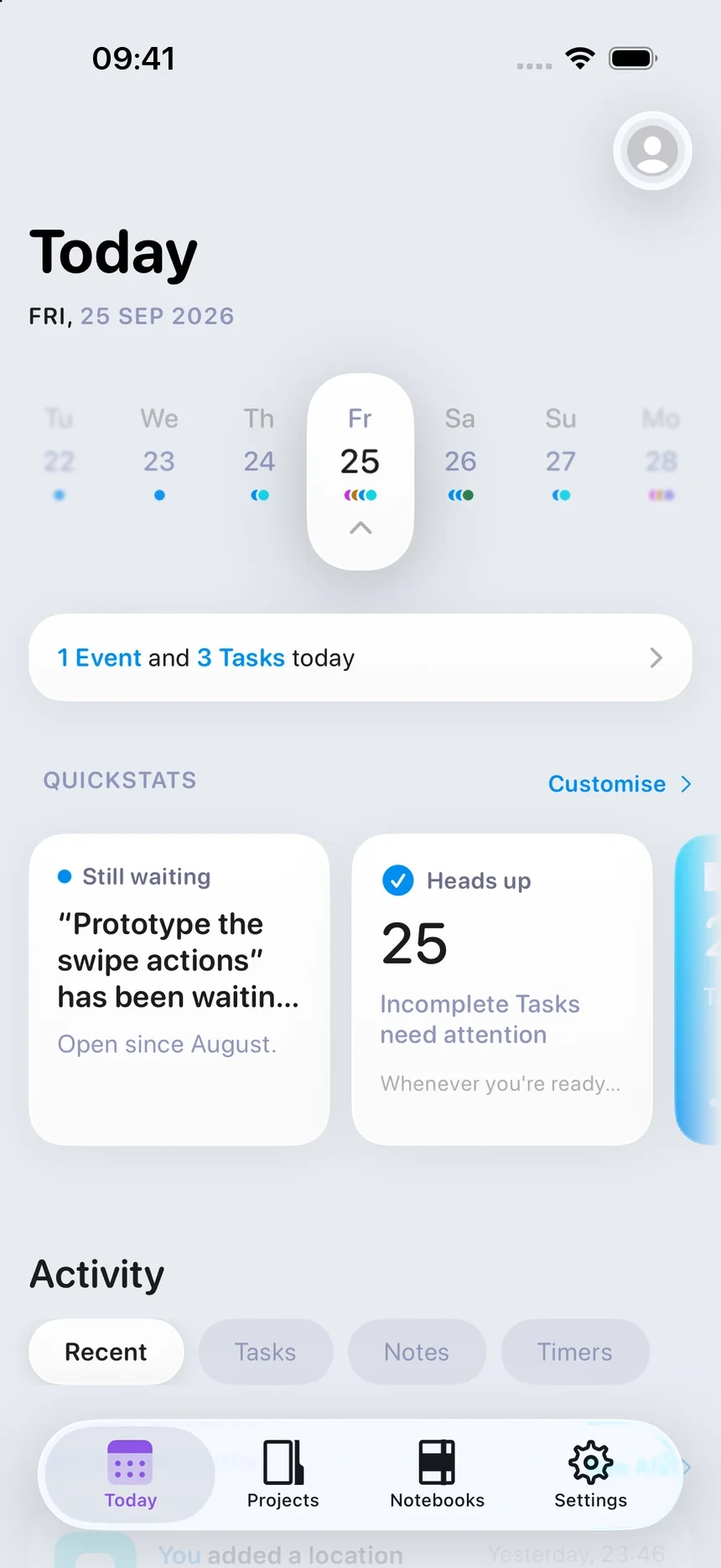
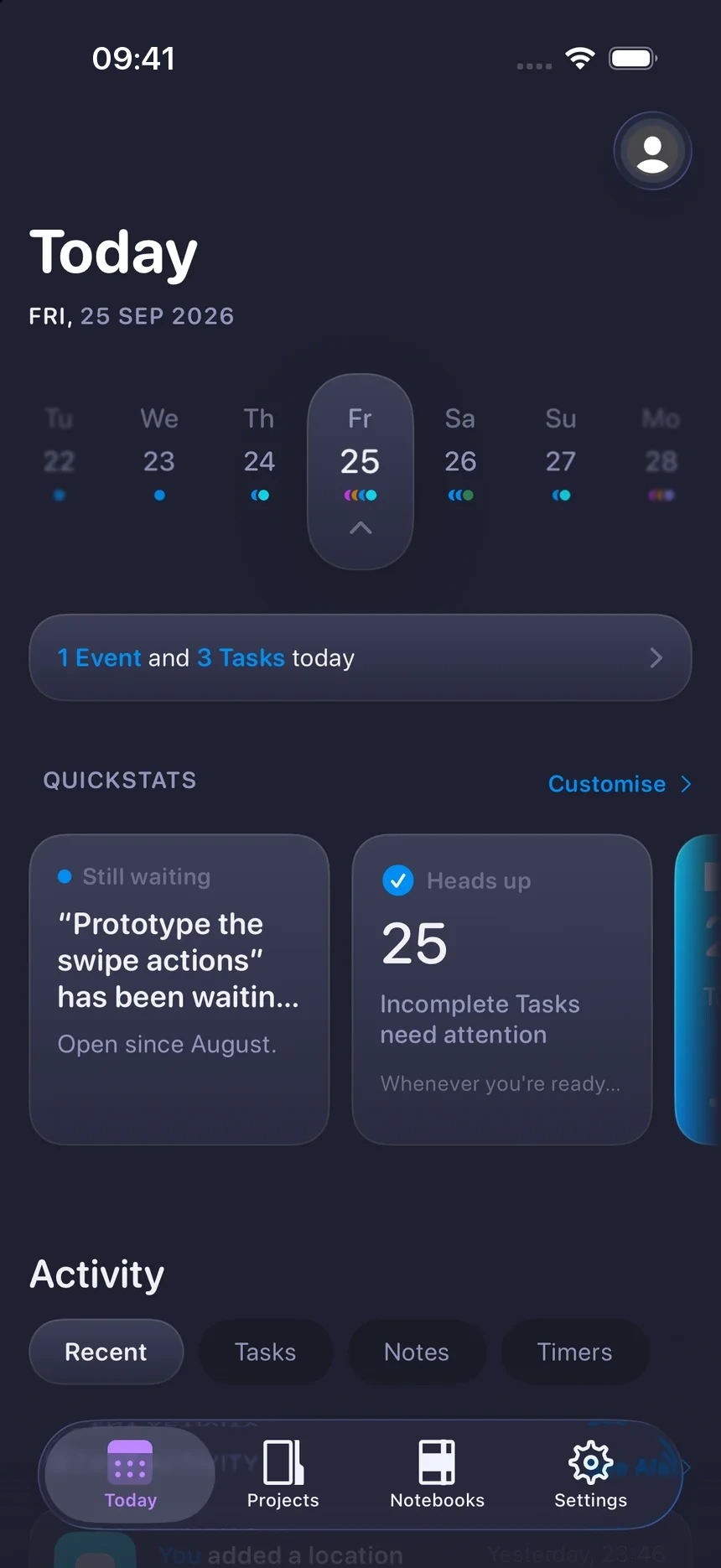
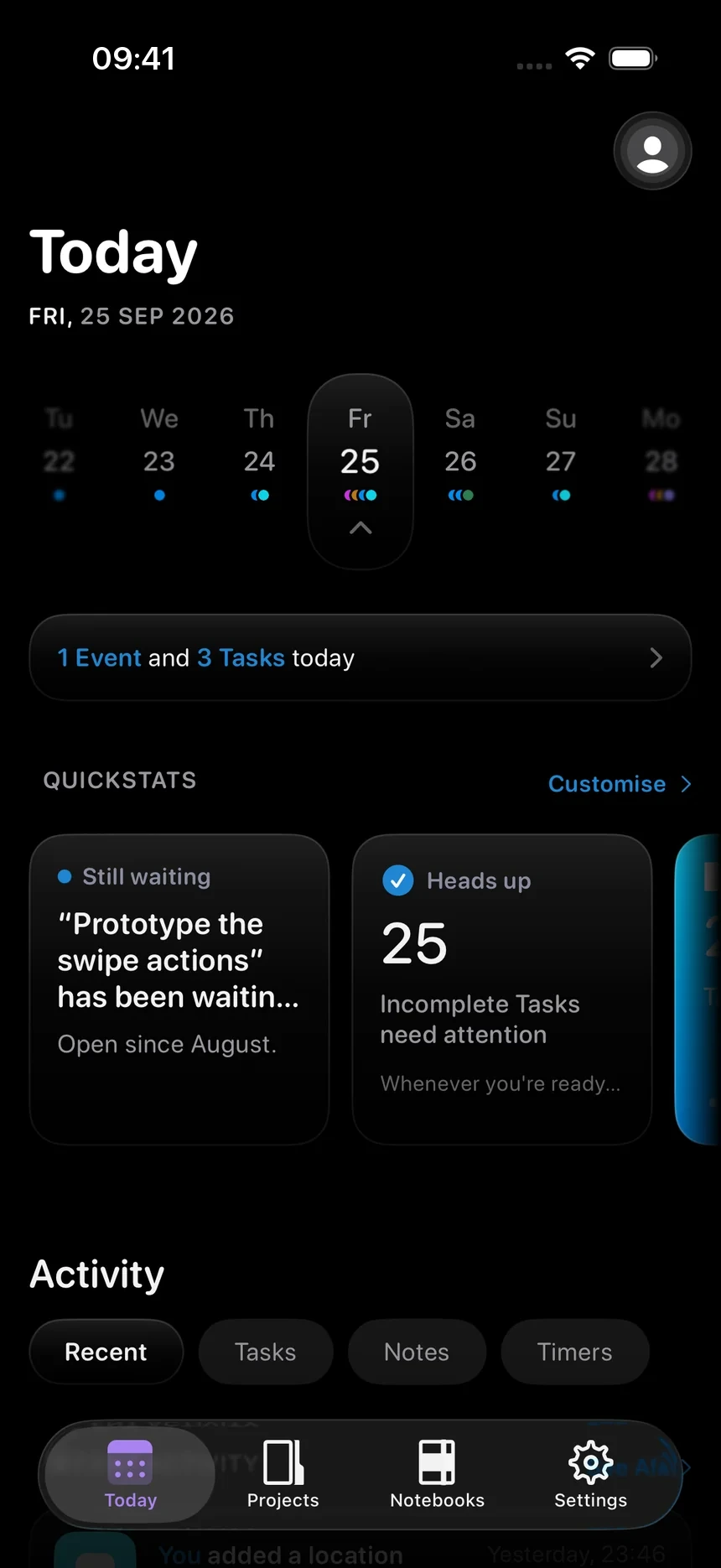
Looks great, day or night.
Light, dark, whatever your phone's doing, it follows along. Or pick a mood and stay there.
iPhone Duo
Watch as your Tasks unfold.
Unfold your Duo and InfiniTask makes the most of it. See more Projects, Stacks and Tasks, and more of your whole day in a single glance. Nothing extra to set up.
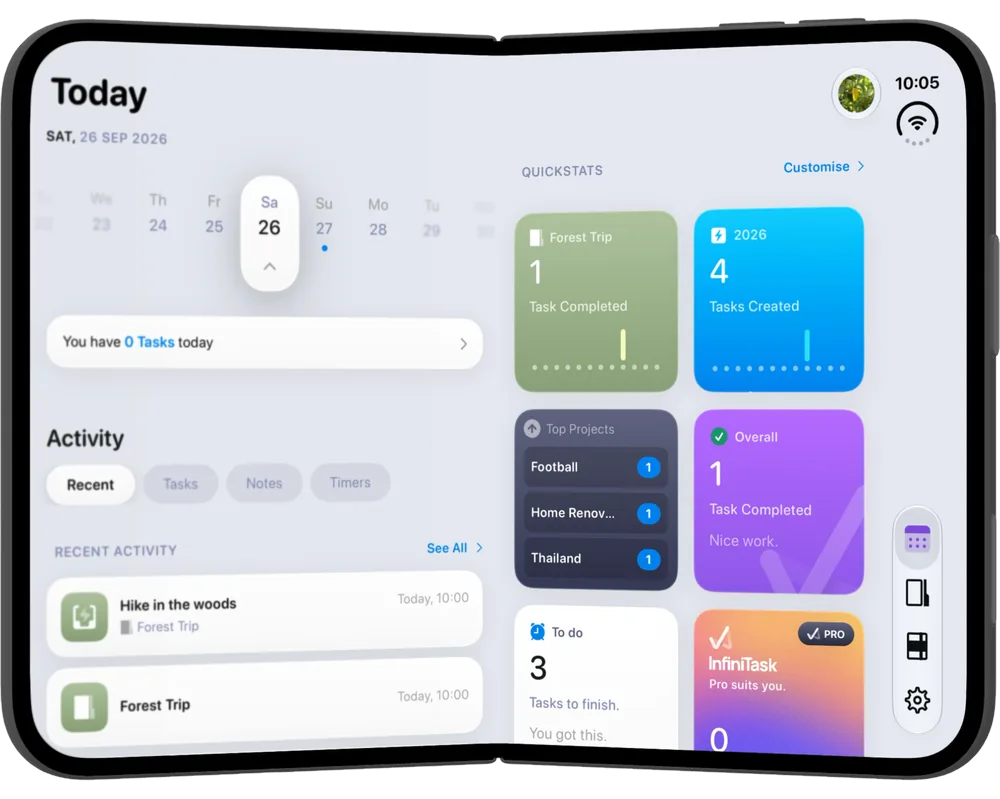
QuickStats and colour customisation only available with a PRO purchase.

Make it all yours.
InfiniTask is complete for free. That's a promise, not a trial. Pro is for the people who love the app and fancy a little more.
Pricing
One purchase, explained honestly.
Really one-time?
Yes. One payment, yours for life, including Pro features added later. No subscription, no renewal, nothing that expires.
Will free features move behind Pro?
No. The free app is the whole Task system, and it stays that way. Pro is only ever additive.
New phone?
Your purchase lives with your Apple Account. Reinstall, tap Restore Purchases, and it all comes back.
Why not a subscription?
Because an app like this should be something you own, not something you rent. Simple as that.
And honestly: if you never buy Pro, you're not missing anything you need. That's by design.
Get InfiniTask
Almost ready.
iPhone
iOS 26.5 or later
Coming soonBe first to know.
Drop your email in and I'll tell you the day it lands on the App Store. Nothing else, ever.
Your email is only ever used to send you that one message. No tracking, no list swapping, unsubscribe any time. See the privacy policy.